Terminal (TUI)
The positai terminal application runs Posit Assistant in your terminal — interactive or headless for scripting and automation.
Quick Install
On macOS or Linux, install with a single command:
curl -fsSL https://posit-dev.github.io/assistant/builds/install-tui.sh | bashThe script detects your OS and architecture, downloads the appropriate binary, and installs it. Customize the install location with the INSTALL_DIR environment variable.
After installation, run:
positaiManual Downloads
Download the binary for your platform and extract it:
| Platform | Architecture | Download |
|---|---|---|
| macOS | ARM64 (Apple Silicon) | positai-macos-arm64.gz |
| Linux | x64 | positai-linux-x64.gz |
| Linux | ARM64 | positai-linux-arm64.gz |
| Windows | x64 | positai-windows-x64.gz |
To install manually:
gunzip positai-*.gz
chmod +x positai-*
sudo mv positai-* /usr/local/bin/positai
Further Configuration
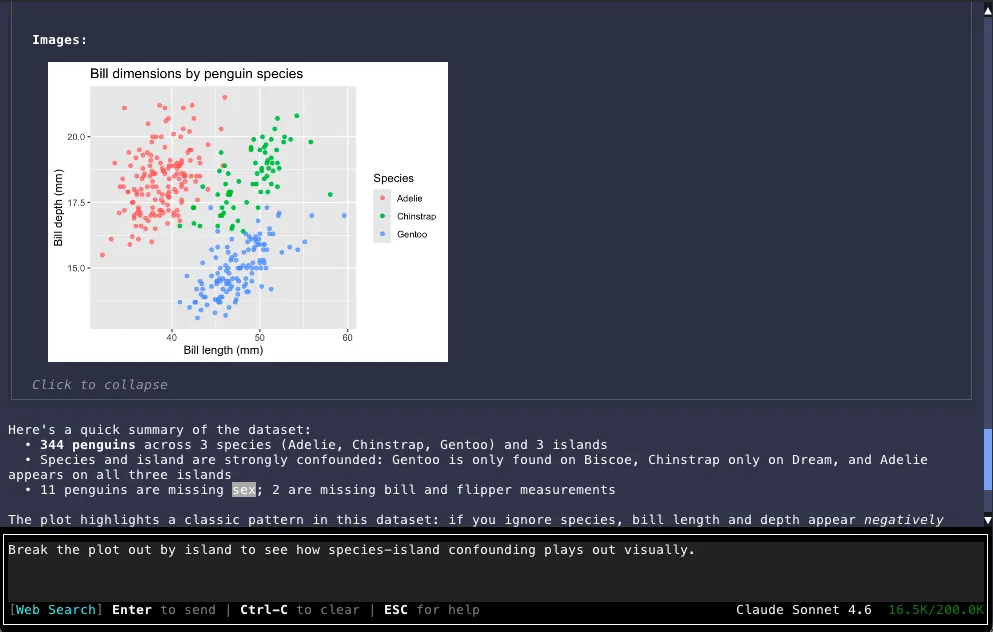
See TUI Usage for interactive mode flags, headless mode, image rendering, and other terminal-specific options.