Build a Dashboard
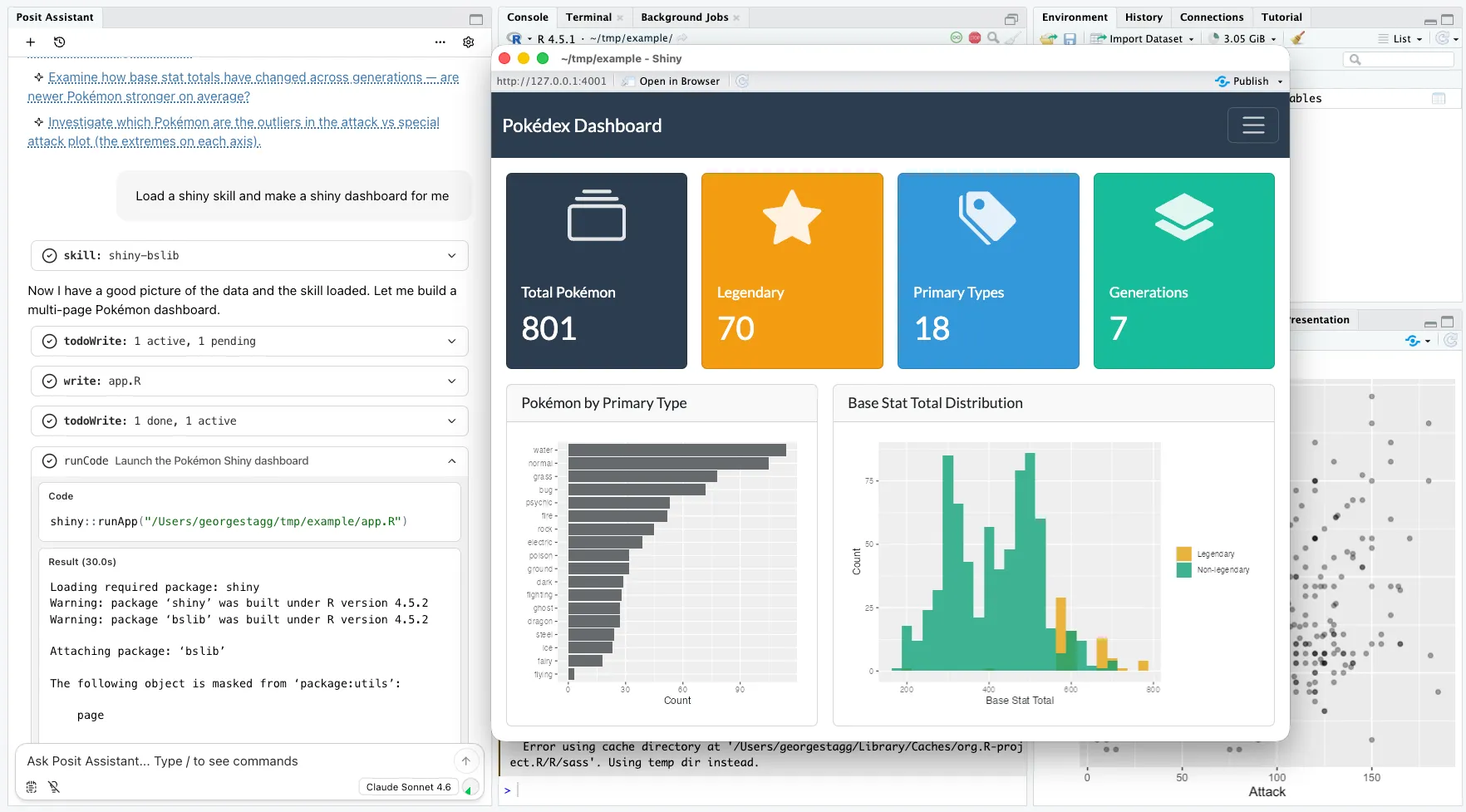
Posit Assistant can take you from a description to a working dashboard application in a single conversation. Describe what you want to see, and it scaffolds the layout, wires up inputs, and generates the code.
How It Works
- Describe your goal — Tell Posit Assistant what your dashboard should show. “Build a dashboard that shows employee salary distributions by department with filters for work status.”
- Review the scaffold — Posit Assistant generates a complete application with sidebar controls, value boxes, and interactive plots.
- Iterate on the design — Ask for changes: swap chart types, add panels, adjust the layout, or restyle components.
- Deploy — When you’re happy with the result, Posit Assistant can help you deploy to Connect Cloud.
Built-in Skills
Posit Assistant uses built-in skills that activate automatically based on your request. When you ask for a dashboard, it loads the appropriate skill to ensure best practices for layout, theming, and interactivity.
What You Can Build
- Multi-panel analytics dashboards — Salary distributions, scatter plots, heatmaps, and summary cards in a single view.
- Interactive data explorers — Dropdowns, sliders, and filters that update charts in real time.
- Monitoring dashboards — Track metrics over time with auto-refreshing data connections.
Tips
- Start broad, then refine. A first pass gives you the structure; follow-up messages let you polish.
- Reference specific columns or variables from your loaded data — Posit Assistant sees your environment.
- Ask for theming: “Use a dark theme” or “Match our brand colors” and Posit Assistant will adjust the styling.