Network explorer
Networks
Pick a layout, click a node to see its neighbors – a small, adaptable starting point for exploring any networkx graph.
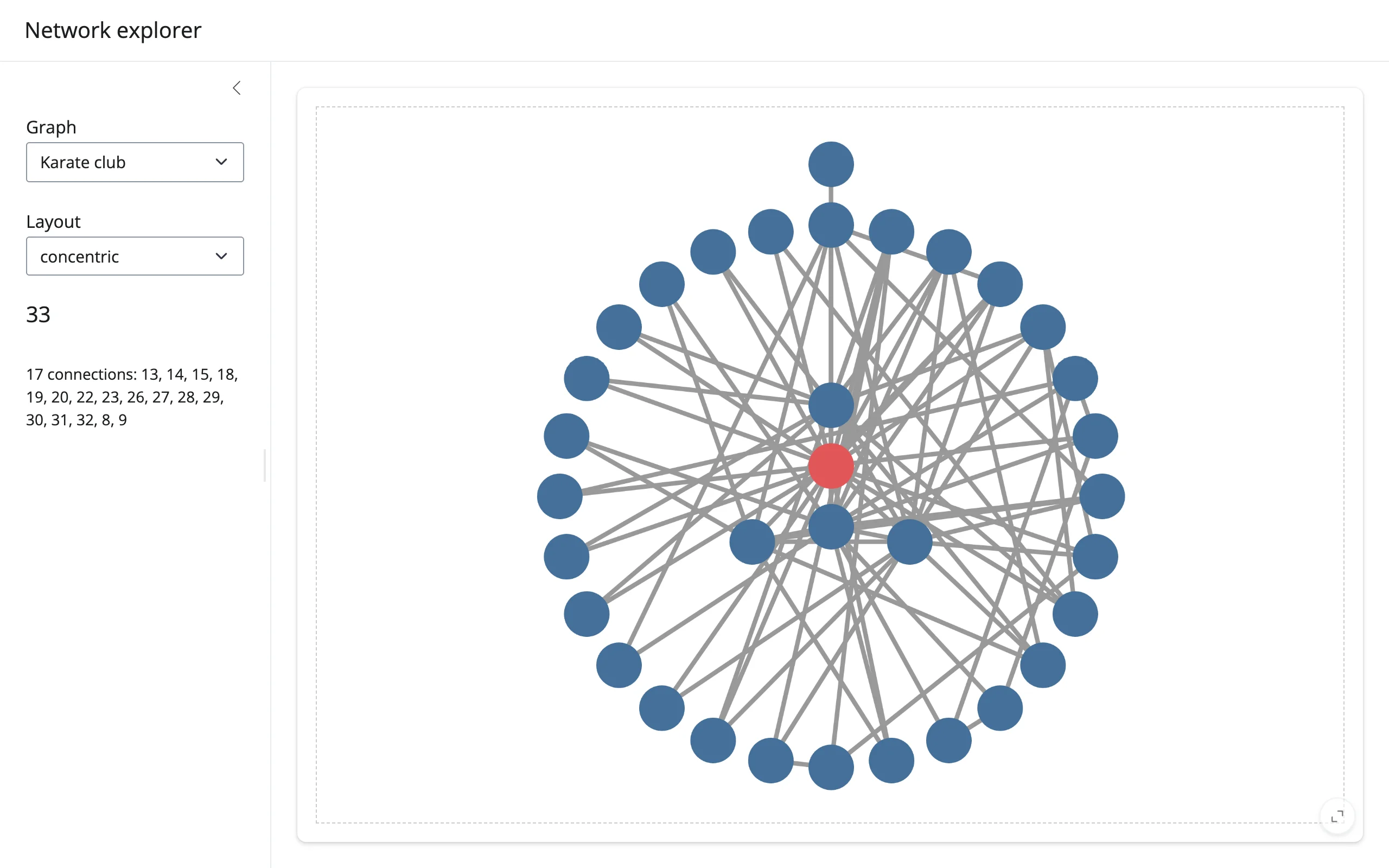
An ipycytoscape graph view with a graph picker, a layout picker, and a sidebar that shows a clicked node’s neighbor list. The clicked node is also highlighted in place (an in-place style write, not a re-render) so the graph never reloads.
Run it
git clone --depth 1 https://github.com/posit-dev/py-shinywidgets
cd py-shinywidgets/website/gallery/templates/ipycytoscape-network-explorer
uv run shiny run app.py
Source: app.py · Open in Shinylive
Try it
- Click any node; the sidebar lists its neighbor count and ids, and the node turns red.
- Switch the Layout dropdown (concentric/cose/breadthfirst/circle); the graph re-lays out in place.
- Switch the Graph dropdown between the karate club and Les Miserables networks.
Accessors demonstrated
network.clicked_node()– the clicked node’s full Cytoscape data payload (a dict withdata,position, etc.), orNone. Clicks are kept across a re-render until the user clicks again, so switching the Graph dropdown (which re-rendersnetworkwith a different graph) can leave a click payload pointing at a node id that doesn’t exist in the new graph.detail()guards the id lookup withnext(..., None)instead of an unguardednext(...), falling back to the placeholder text – seeimg/after_switch_graph.webp.
What to change for your own data
- Add entries to the
GRAPHSdict with anynetworkxgraph (or build one from your own edge list). STYLEis a Cytoscape stylesheet list; add more selectors for additional visual states (e.g. a.selectedclass for multi-select).- The highlight effect writes
node.classesdirectly onnetwork.widget.graph.nodes– the pattern to copy for any other per-node, in-place visual update.